Written with artificial intelligence by Tuko's editorial system, from the sources linked below. If you spot a mistake, write to joan@tukoteam.com.
Referral marketing for online stores: what to pay per customer and how to set it up on Shopify
Referral marketing for online stores means giving your customers a reason to bring in other customers and tracking which orders arrive that way. It pays off when everything you give away for a new customer (the referrer's reward plus the guest's discount) stays below the margin on that customer's first order and below what the same customer would cost you through ads. On Shopify you can build it without an app, using discount codes limited to one use per customer and shareable links, with some limits worth knowing before you start.
If you don't have your per-customer ceiling yet, read how much you can spend to acquire a customer without losing money first.
What is referral marketing, and how is it different from word of mouth?
Referral marketing is word of mouth that you ask for and measure: the store requests the recommendation, gives something in return and knows which orders came from it. Spontaneous word of mouth happens without you asking and costs nothing, but you can't speed it up or know how much it brings. Referrals cost money, which is why the math comes before the launch.
The spontaneous side is covered in the word of mouth marketing strategy for ecommerce, with the cost of each new customer worked out. The mechanics of a paid program, from scratch and with the numbers on what you can offer, are in how referral marketing works in ecommerce and how much you can pay per customer.
How much can you pay for each new customer without losing margin?
The most you can pay is the contribution margin of the new customer's first order, counting everything you give away: the referrer's reward and the guest's discount together. If you count on the customer buying again, the ceiling rises, but that bet only holds up with repurchase data from your own store.
The calculation has three pieces:
- Contribution margin of the first order = price excluding tax − product cost − shipping and handling − payment fee.
- Incentive cost per new customer = (referrer reward + guest discount) ÷ share of guests who would not have bought without the incentive.
- Result of the first order = contribution margin − incentive cost per new customer.
All figures in this section are invented.
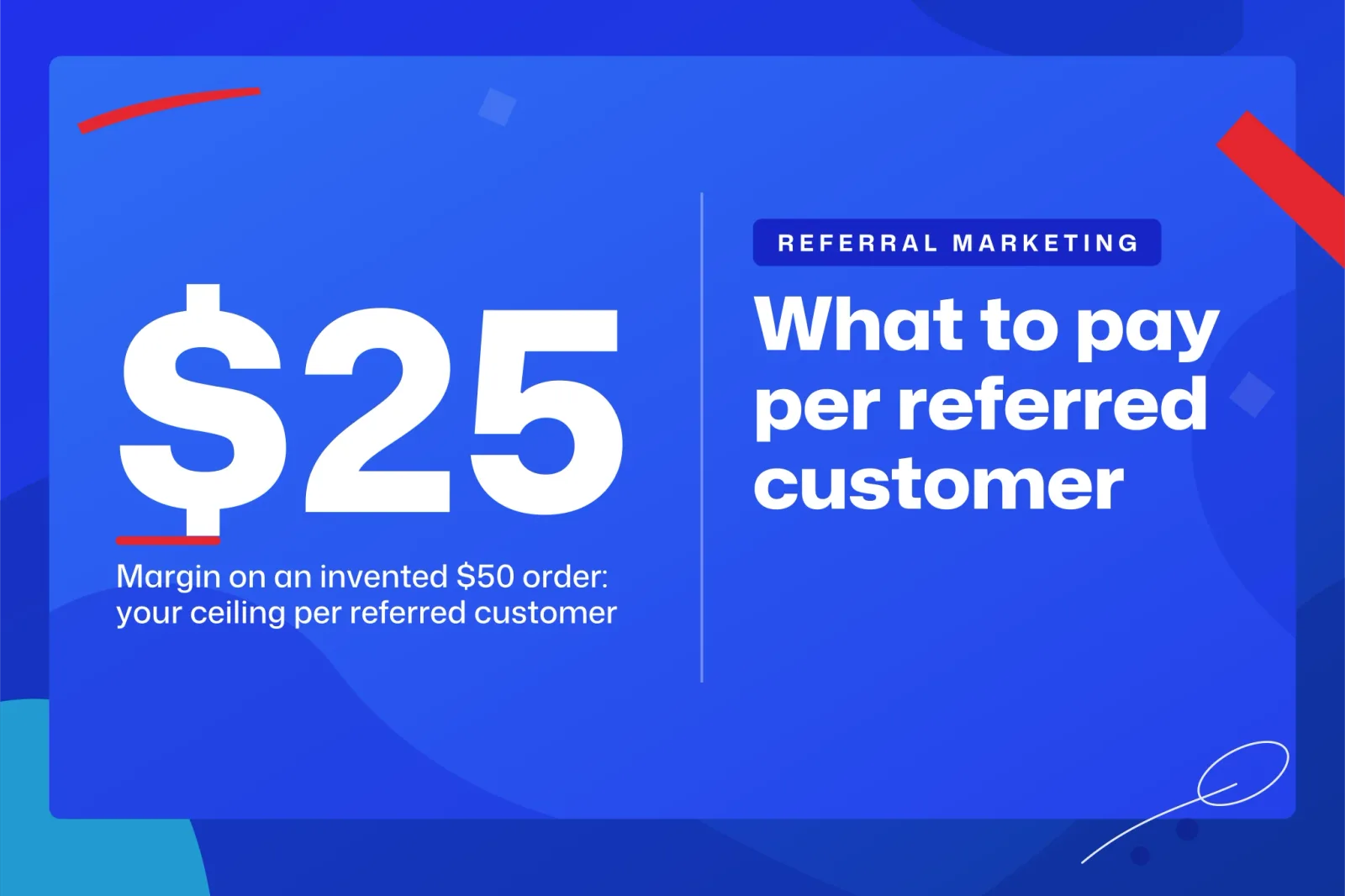
Take a $50 order excluding tax. The product costs you $18, shipping and handling $5 and the payment fee $2, which leaves a $25 contribution margin. Today you acquire each customer with Meta ads at $30, so every first order that arrives through ads loses $5.
With a double incentive, the guest gets $10 off and the referrer gets $10 of store credit for their next purchase. Each new customer costs $20 and the first order leaves $5. The credit is counted at its full value, which is the prudent way: if the referrer spends it on a purchase they would have made anyway, it costs you the whole $10.
With a guest-only incentive, $10 off and nothing for the referrer, the new customer costs $10 and the first order leaves $15. It is cheaper, though it is reasonable to expect less sharing, because the person recommending gains nothing.
A store-wide 20% discount also works out to $10 per order, but everyone collects it. If you sold 100 orders a month and the discount lifts you to 120, you have given away $1,200 (120 × $10) to win 20 orders from customers who weren't buying before: $60 per additional customer. Your total margin goes from $2,500 (100 × $25) to $1,800 (120 × $15), a loss of $700, or $35 for each of those 20 customers.
The double incentive has its own trap, cannibalization. If one in every four guests would have bought anyway, you pay four incentives of $20 ($80) to get three new customers, which is $26.67 per customer, already above the $25 margin.
| Option | Cost per new customer | First-order margin | First-order result |
|---|---|---|---|
| Meta ads | $30 | $25 | −$5 |
| Double incentive ($10 + $10) | $20 | $25 | $5 |
| Double incentive, one in four guests would have bought anyway | $26.67 | $25 | −$1.67 |
| Guest only ($10) | $10 | $25 | $15 |
| Store-wide 20% discount | $60 | $25 | −$35 |
With these numbers, a referred customer costs less than a Meta customer as long as the guests really are new customers. The store-wide discount is by far the worst option, because almost everything it gives away goes to the 100 orders you were going to get anyway. To get the cost you compare against right, check how to calculate customer acquisition cost with the first-order discount included, how to calculate break-even ROAS and how much each discount raises it and how ROAS and customer acquisition cost differ.
Which referral incentive protects your margin best?
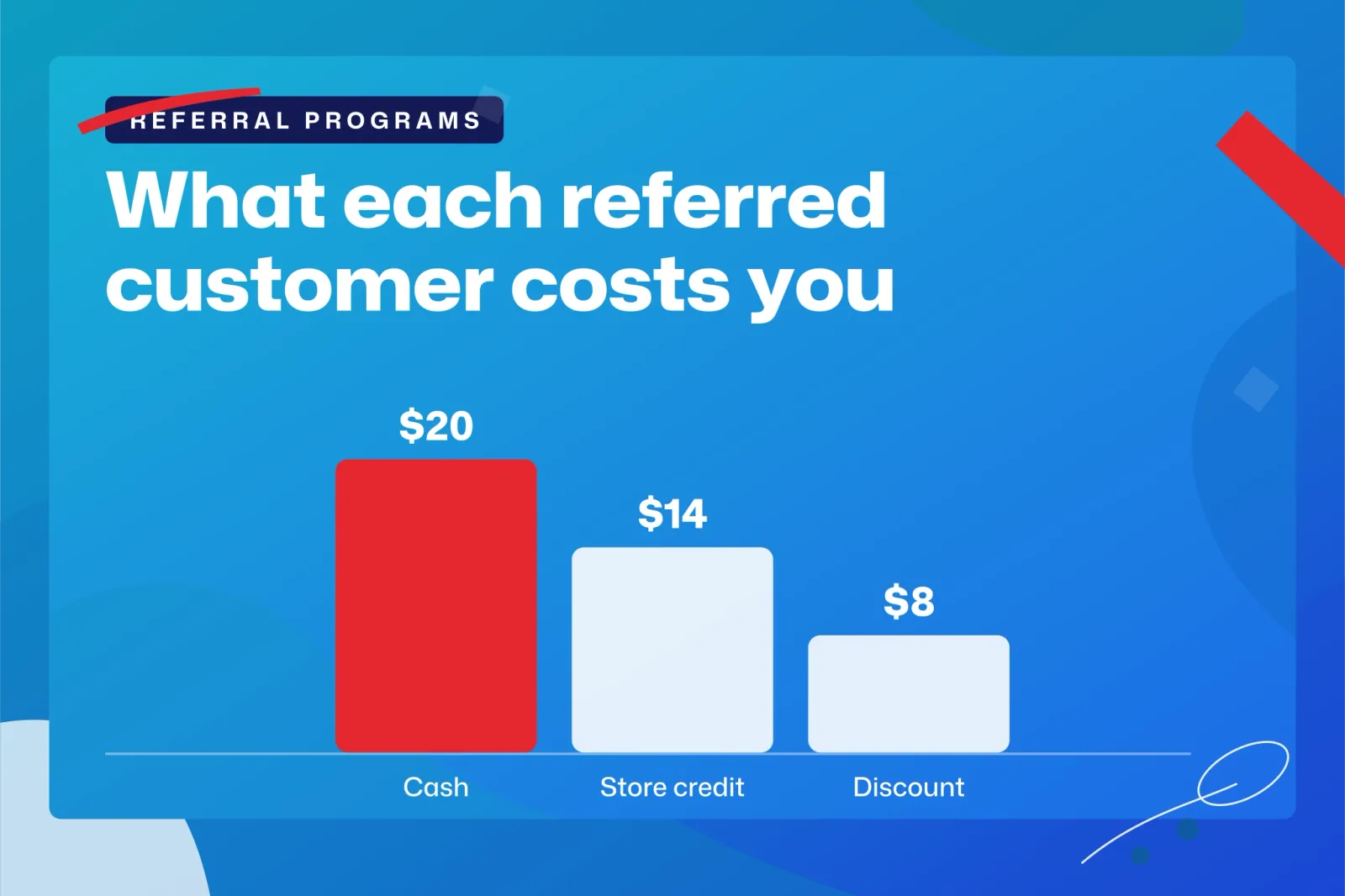
The incentive that protects margin best is one paid only after the guest has bought, and delivered as credit or product, because that reward either comes back to your till as a sale or costs you the product's cost price. Cash is the most expensive and the closest thing to paying a commission.
| Incentive | How it works | Real cost to the store | Limit |
|---|---|---|---|
| Discount for the guest | The friend gets a code for their first order | What you discount, on that order | The referrer gains nothing and shares less |
| Store credit for the referrer | A balance for their next purchase | Between the product's cost and the credit's full value | You have to track balances and watch for abuse |
| Free product | A sample or small item in the next order | The product's cost, not its retail price | Only works if the gift is something people want |
| Tiered reward | Bigger prize the more friends they bring | Rises with each tier | Rewards your best recommenders and also those who learn to cheat |
| Cash | A payment for each friend who buys | The full value, always | Close to an affiliate program; paying private individuals can have tax implications that a professional should review |
For a store that is starting out, the easiest setup to explain and control is a guest discount plus credit for the referrer. A deeper comparison of rewards is in store credit vs discount vs cash, and what each new customer costs you. If your temptation is a discount for everyone, first read how to optimize conversion rate and margin with the math on every discount.
How do you set up a referral program in Shopify step by step?
Without an app, you build it with the discount features in the Shopify admin: one code per referring customer, limited to one use per customer, and a shareable link with campaign tracking. The Shopify Help Center page on discount codes (consulted in November 2026) says they are commonly used for specific marketing strategies, such as email campaigns or partnerships. The documentation we read has no dedicated referral feature, so our reading is that you assemble it by hand from these pieces. That works with a few dozen ambassadors and becomes unmanageable if every customer needs a code the moment they ask.
- Create the guest's code. In the discounts section of the admin, create a fixed-amount or percentage code, one per ambassador with their name (for example, MARIA-FRIENDS) so you know who brought whom.
- Limit it to one use per customer. Turn on the “Limit to one use per customer” option, which appears in the Shopify Help Center discounts FAQ. According to the discount codes page, that limit applies only to that specific discount, so the same person can later use another ambassador's code.
- Decide whether it goes only to new customers. Read the note below first.
- Generate the shareable link with tracking. According to the Shopify Help Center page on managing discounts, to add tracking parameters to the link you select an existing marketing campaign, so create a referral campaign beforehand. Each link or QR code can have only one discount, and if an app created the code, you can't get the shareable link from the admin.
- Check the combinations. According to the Shopify page on discount combinations, a customer can use at most 5 product or order discount codes and 1 shipping code on the same order. If you don't want the referral code stacking with other promotions, set it not to combine.
- Place a test order with an email that has never bought from your store before you announce anything.
Can you limit the discount to new customers?
Shopify's documentation describes it in two ways, so you need to test it in your own store. The discounts FAQ says that first-time buyers don't yet have a customer profile and are not included in a customer segment until after their first order is complete. The managing discounts page says you can target people who haven't purchased before with a segment using number_of_orders = 0, and that they can be identified at checkout by a valid email address or phone number. Create the segment, assign the code to it and place a test order with a new email. If checkout accepts it, the second version is the one that applies in your store.
What do native Shopify discounts not allow?
Three limits affect a referral program, according to the Shopify Help Center as consulted in November 2026:
- Showing crossed-out prices on product and collection pages requires a third-party discount app, according to the discounts FAQ.
- You can't restrict customers from redeeming discount codes on specific sales channels, according to that same page.
- If you also use automatic discounts for other promotions, the maximum is 25 active ones, according to the combinations page.
Where do you ask for the recommendation, and how do you know which orders come from a referral?
Ask when the customer has a recent reason to speak well of you, and measure with the sales-by-discount report and the tracking parameters on the link. Three moments make sense:
- Right after they buy, in the post-order email, while they still remember why they bought. Discount codes can't be applied on the post-purchase page at checkout, according to the Shopify Help Center, so the code or link has to go in the email or another message.
- After they have received and used the product, when they can recommend it from experience.
- Over WhatsApp, where most people share links with friends and family. Give them a ready-written message with the link, so all they have to do is forward it.
If you plan to message customers by email or WhatsApp for commercial purposes, check with a professional what consent you need in your country.
To measure, the Sales by discount report tells you how often each code is used, according to the Shopify discounts FAQ. With one code per ambassador, our reading is that this report already shows who is bringing in orders. The tracking parameters on the link separate referral visits from ad visits in your reports. According to the managing discounts page, the link's discount is saved to the customer's cart and browser until it is removed, so a guest who doesn't buy on the first visit keeps it if they return from the same browser.
How do you prevent self-referrals, duplicate accounts and stacked discounts?
Shopify puts some barriers in the way of code abuse, but nothing stops someone from opening a second email to recommend themselves, so your own rules or an app have to cover that.
The one-use-per-customer limit works per discount, not per person, according to the Shopify discount codes page: a customer can use one ambassador's code on one order and another's on the next. And since customers are identified by email or phone, a new email will probably count as a new customer.
Stacking has a ceiling: 5 product or order codes and 1 shipping code per order, according to the Shopify combinations page. That is a lot, so the prudent choice is that the referral code doesn't combine.
Because the link's discount is saved in the browser, an ambassador who opens their own link on their phone also ends up with the discount applied.
The rules you do control are simple:
- Give the referrer's reward once the guest's order has been delivered and the return window has passed, not at payment.
- Manually review guest orders that go to the same address, or share a surname and phone number, with the ambassador.
- Set a monthly cap on rewards per ambassador, so an abuse doesn't become a hole in your accounts.
Some referral apps say they include controls. For example, the Referbro listing in the Shopify App Store states that it has fraud controls for self or duplicate referrals. That is what its listing claims, not proof that it works in your store.
Is there an incentive that is only paid if another customer arrives?
There is, and it is called group buying: the lower price only applies when one more person joins. It is what Tuko does. Tuko is the app from the team behind this blog, so we are an interested party and we say so before explaining it.
A store-wide discount also goes to people who were going to buy anyway, which is why it looks so expensive in the table above. A classic referral program fixes part of that, but you pay the reward afterwards, keep track of credits and watch for self-referrals. In group buying nobody gets the low price unless another customer arrives, and the discount is applied at checkout with no pending rewards.
Tuko adds a group-buying button to the product page. The store chooses the products and the discount. A customer taps the button, pays with the discount already applied in the store's normal checkout and has 24 hours (or 48, if the store prefers) for someone else to join. They share their link, for example over WhatsApp, and when the second person joins the group is complete and both orders go through as normal, each to its own customer's address.
The store decides who can complete the group. In “Friends first” mode, which is the recommended one, only people who receive the first buyer's link can join at the start, and in the last 6 or 12 hours the group opens to all visitors. In “Any customer” mode, the group appears on the product page and anyone can join from the beginning.
It has limits you should know. If the group isn't completed, the order isn't shipped, and the customer chooses between keeping the missing units at the group price, moving to another open group for the same product or getting their money back; if they don't answer within 12 hours, they are refunded automatically. The first buyer also gets the low price, even though they might have bought without it. For example, with the invented $50 order from the calculation and $10 off each order in the group, if the first buyer would have bought anyway, the new customer costs $20, the same as the double incentive; if neither would have bought without the group price, it is $10 per customer. In “Any customer” mode, it is reasonable to expect that some of the people who complete the group were going to buy anyway, which is why we recommend starting with “Friends first”. Headless stores are not supported yet.
If the concept sounds like Groupon, the difference is explained in what group buying is and how it differs from Groupon.
What should you measure in the first three months of a referral program?
Always measure the same three things: how many orders arrive with a referral code, what each new customer costs you in incentives, and how that cost compares with acquiring a customer through ads.
- Month one. Check in the sales-by-discount report whether the codes are used and how many different customers are sharing. If almost nobody shares, the problem is usually the moment you ask or the referrer's incentive.
- Month two. Calculate the cost per new customer: discounts given plus credits delivered, divided by the customers buying for the first time. Compare it with your Meta acquisition cost and check how many guests were already on your customer list, which is your estimate of cannibalization.
- Month three. See whether referred customers come back more or less often than ad customers, and decide whether to raise the incentive, lower it or close the program.
In a small store, three months produce few orders and the differences can be noise. If volume is low, extend the period before drawing conclusions.
Frequently asked questions about referral marketing
What is the difference between referrals, affiliates and a welcome discount?
In referrals, a customer recommends the store to people they know and receives a reward when those people buy. In affiliate marketing, creators or websites promote the store for a commission, so it works more like an advertising channel. A welcome discount goes to any new customer, however they arrive, with nobody bringing them.
Do I need an app to run referrals on Shopify?
With a few ambassadors, no: one code per ambassador limited to one use per customer and a shareable link with tracking are enough. You need an app when you want every customer to receive their code automatically or you want fraud controls.
The next step is to work out the contribution margin of your average order, subtract the incentive you have in mind and compare the result with what a customer costs you on Meta today. If the math works, create a code limited to one use per customer and test it with a new email before announcing it. And if you prefer that the discount exists only when another customer arrives, you can install Tuko from the Shopify App Store in about two minutes, without touching your theme, and switch it on for a couple of products to see how your customers respond.