Written with artificial intelligence by Tuko's editorial system, from the sources linked below. If you spot a mistake, write to joan@tukoteam.com.
How to calculate break-even ROAS and how much each discount raises it
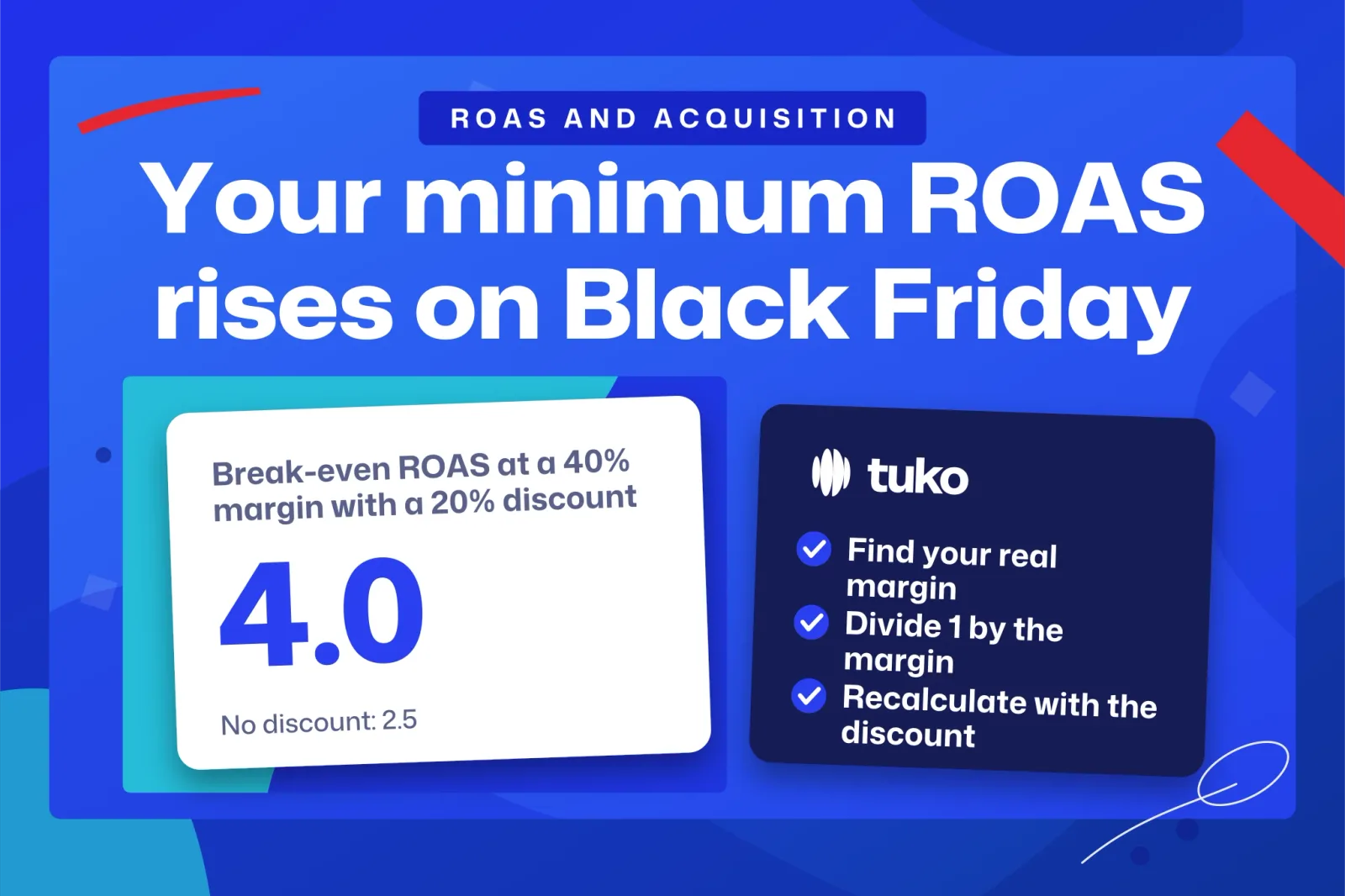
The break-even ROAS formula is 1 ÷ contribution margin, and the result is the lowest ROAS at which your ads stop losing money. For example, a 40% margin gives 2.5 (every dollar of ad spend has to bring in $2.50 in sales just to break even), and a 20% discount pushes that floor up to 4.0. Below you'll find the formula, tables by margin and by discount, how to read the ROAS that Google Ads and Meta Ads report and, at the end, an alternative to discounting the whole store: group buying.
The break-even ROAS formula
Break-even ROAS is the ROAS at which a campaign neither makes nor loses money: the margin left by attributed sales exactly covers the ad spend. The Amazon Ads advertising math guide gets there with two chained formulas:
- (Revenue − cost of goods sold) ÷ revenue = gross profit margin.
- 1 ÷ gross profit margin = break-even ROAS.
In the worked example in that Amazon Ads guide, a brand with $50,000 in revenue and $30,000 in cost of goods sold has a margin of 0.40 and a break-even ROAS of 2.5. The same guide defines ROAS as attributed revenue divided by ad spend.
Use revenue excluding tax. The sales tax or VAT you collect isn't margin you keep, and leaving it in makes your margin look bigger than it really is. The same goes for the ROAS the ad platforms show you: before comparing it with your break-even, check whether the conversion value they receive includes tax. How tax applies to your particular business is something to confirm with your accountant.
Which costs belong in the margin
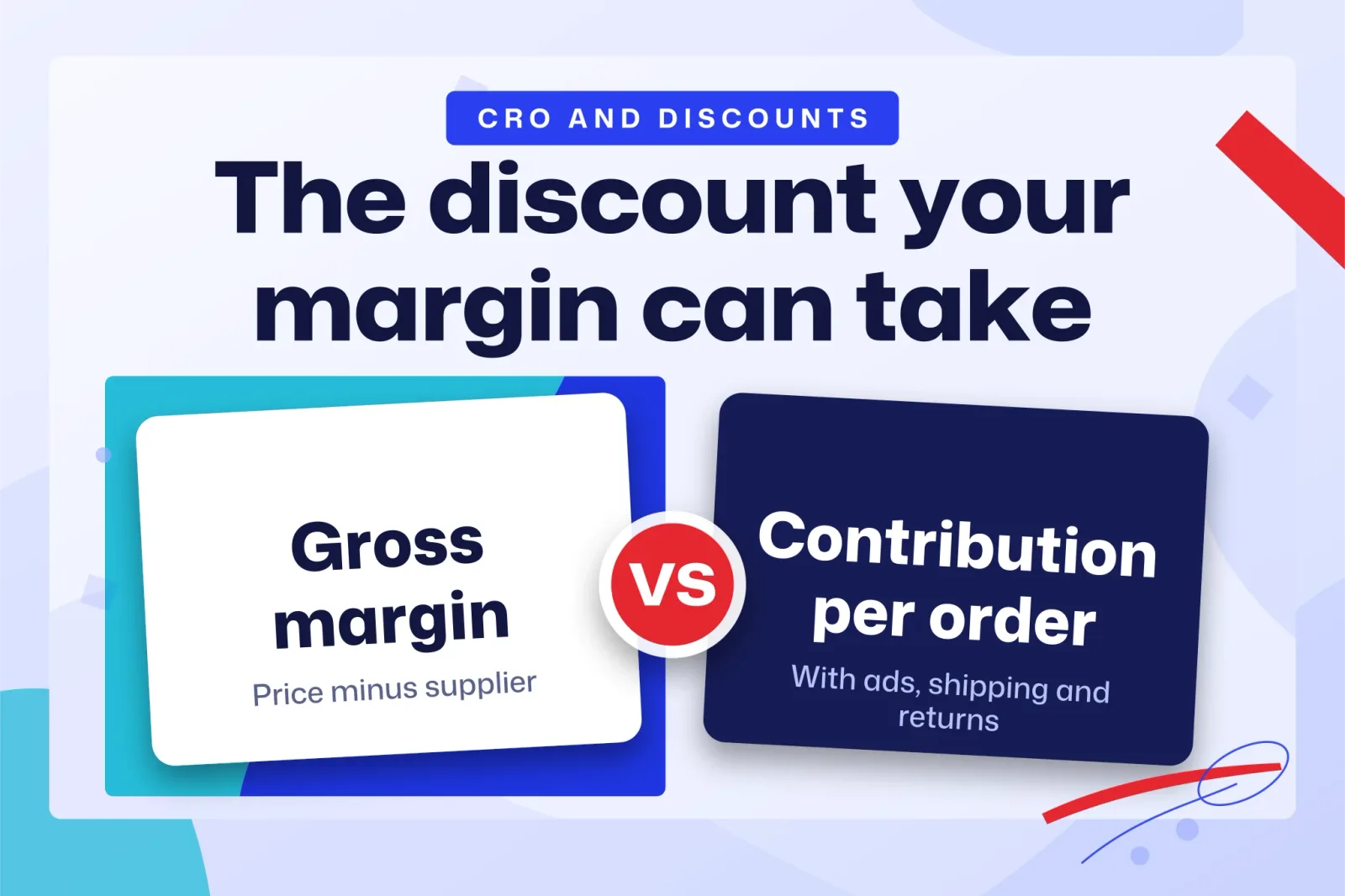
For break-even ROAS you want contribution margin rather than gross margin. Gross margin, as the Amazon guide uses it, only subtracts the cost of the product. Contribution margin subtracts everything you pay each time a unit sells: the product, any shipping you absorb, the payment processing fee, packaging and the average cost of returns. If you calculate with gross margin, your break-even comes out lower than it really is and you end up keeping campaigns that lose money.
Fixed costs such as salaries and rent stay out. As Trendtrack's guide to calculating break-even ROAS notes, they only come in when you're looking for the break-even point of the whole business. To decide whether a campaign pays for itself, leave them aside.
All figures in this section are invented.
| Item | Amount per unit |
|---|---|
| Selling price excluding tax | $50 |
| Product cost | $20 |
| Shipping paid by the store | $5 |
| Payment fee | $1.50 |
| Packaging | $1 |
| Returns (average cost per order) | $2.50 |
| Total variable costs | $30 |
| Contribution margin | $20 (40%) |
On gross margin, which only subtracts the $20 product cost, this item would show 60% and a break-even ROAS of 1.67. On contribution margin, 40%, break-even is 2.5. A campaign reporting a ROAS of 2 looks profitable if you go by gross margin and loses money once you count everything a sale costs you.
Break-even ROAS by margin
The thinner your contribution margin, the higher your ROAS has to be to avoid a loss. The table applies 1 ÷ margin to a range of sample margins.
All figures in this section are invented.
| Contribution margin | Break-even ROAS | Sales needed per $100 of ad spend |
|---|---|---|
| 20% | 5.0 | $500 |
| 25% | 4.0 | $400 |
| 30% | 3.33 | $333 |
| 40% | 2.5 | $250 |
| 50% | 2.0 | $200 |
| 60% | 1.67 | $167 |
If you'd rather work with per-unit amounts, the equivalent formula is price ÷ (price − non-advertising costs). With the product from the previous section: 50 ÷ (50 − 30) = 2.5.
Why a ROAS of 3 can still lose money
A high ROAS can still leave you with a loss, because ROAS measures sales and your margin decides how much of those sales you keep. The Amazon Ads advertising math guide shows it with two advertisers who each spend $1,000 on ads: advertiser A, with a ROAS of 3 and a 20% margin, loses $400, while advertiser B, with a ROAS of 2 and a 60% margin, makes $200.
A sells more, but at a 20% margin what's left of those sales doesn't cover the ad bill. B sells less and still comes out ahead. That's why the Amazon Ads guide warns that there is no general threshold for deciding whether a ROAS is good or bad. If someone tells you a ROAS of 3 is fine, ask them at what margin.
How much each Black Friday discount raises your break-even ROAS
A discount raises your break-even ROAS far more than its size suggests, because every point of it comes straight out of your margin. Here is the formula with a discount:
Break-even ROAS with discount = (1 − d) ÷ (m − d)
Here m is your contribution margin on the full price (before ads) and d is the discount, both as decimals. The numerator is the new price and the denominator is the margin you have left after the markdown. This is our own derivation: it applies Amazon's formula to the discounted price.
All figures in this section are invented.
Example: a 40% margin
| Discount | Margin left (on the original price) | Break-even ROAS |
|---|---|---|
| 0% | 40% | 2.5 |
| 10% | 30% | 3.0 |
| 20% | 20% | 4.0 |
| 30% | 10% | 7.0 |
| 40% | 0% | None: each sale leaves $0 before ads |
Example: 30% and 50% margins
| Discount | 30% margin | 50% margin |
|---|---|---|
| 0% | 3.33 | 2.0 |
| 10% | 4.5 | 2.25 |
| 20% | 8.0 | 2.67 |
| 30% | None | 3.5 |
At a 30% margin, a 20% discount means you need $8 in sales for every dollar of ads. At a 30% discount, no ROAS can rescue the campaign.
Example: checking it with the $50 product
The $50 product with $30 of variable costs has a 40% margin. With a 20% discount it sells for $40, leaves $10 of margin, and its break-even ROAS is 40 ÷ 10 = 4.0, the same as the formula gives. Before the discount it left $20 per order; now it leaves $10. To earn the same before ads you need m ÷ (m − d) orders for every one you used to sell: 0.40 ÷ 0.20 = 2, so twice as many.
The ROAS in your dashboard already uses the discounted price
The logical assumption is that the conversion value Google Ads or Meta Ads receives is what the customer actually paid, with the discount already taken off. Nothing in the dashboard flags the change. A campaign at a ROAS of 3.0 that was profitable in October at a 40% margin, for example, loses money on Black Friday if you knock 20% off, because your new break-even is 4.0. Compare seasonal ROAS against the recalculated break-even, never against your usual one.
Costs charged as a percentage
The formula treats every variable cost as a fixed amount per unit. Some are a percentage of the price, like the payment processing fee, and shrink slightly when you discount. So the real result is a little better than the tables show, and it makes sense to read them as a conservative estimate. For a sharper number, recalculate your contribution margin at the discounted price and apply 1 ÷ margin.
How ad platforms calculate ROAS
In Google Ads, ROAS is conversion value divided by cost, and the target you set for bidding is entered as a percentage. The Google Ads Help page on Target ROAS bidding gives this example: $5 in sales ÷ $1 in ad spend × 100% = 500% target ROAS. The same page says to multiply the conversion value per cost metric by 100 to get your Target ROAS percentage.
That conversion is where the easy mistake happens. For example, a break-even ROAS of 2.5 goes into Google Ads as 250%, and a ROAS of 3 as 300%.
Google's own advice, in the same Google Ads Help article, is that "Your Target ROAS should be set based on your business goals as well as your historical ROAS performance as a reference." Work out your break-even before you pick a number: it's the floor below which a target makes no sense.
Meta Ads follows the same logic as the Amazon guide: the value of purchases attributed to your ads divided by what you spent. Before comparing it with your break-even, check in your own account what purchase value Meta receives from your store (with or without tax, with or without shipping) and which attribution setting the column you're reading uses. If that value includes tax, your real ROAS is lower than the one on screen.
From break-even ROAS to target ROAS
Break-even ROAS is the minimum to avoid a loss, and your target has to sit above it. At break-even the campaign makes zero profit, and you want to make some. Your contribution margin is also an estimate: if returns go up or shipping gets more expensive during peak season, the real break-even moves up. And platform attribution isn't exact, so some of the sales in the dashboard might have happened anyway.
A simple way to set the target is to decide what margin you want left after ads and subtract it before dividing. For example, with a 40% contribution margin and a 10% profit goal, you divide 1 by 0.30 and aim for a ROAS of 3.33. There's no single number that works for every store, because the right one comes from your own costs.
Discounts that only go to customers who bring someone
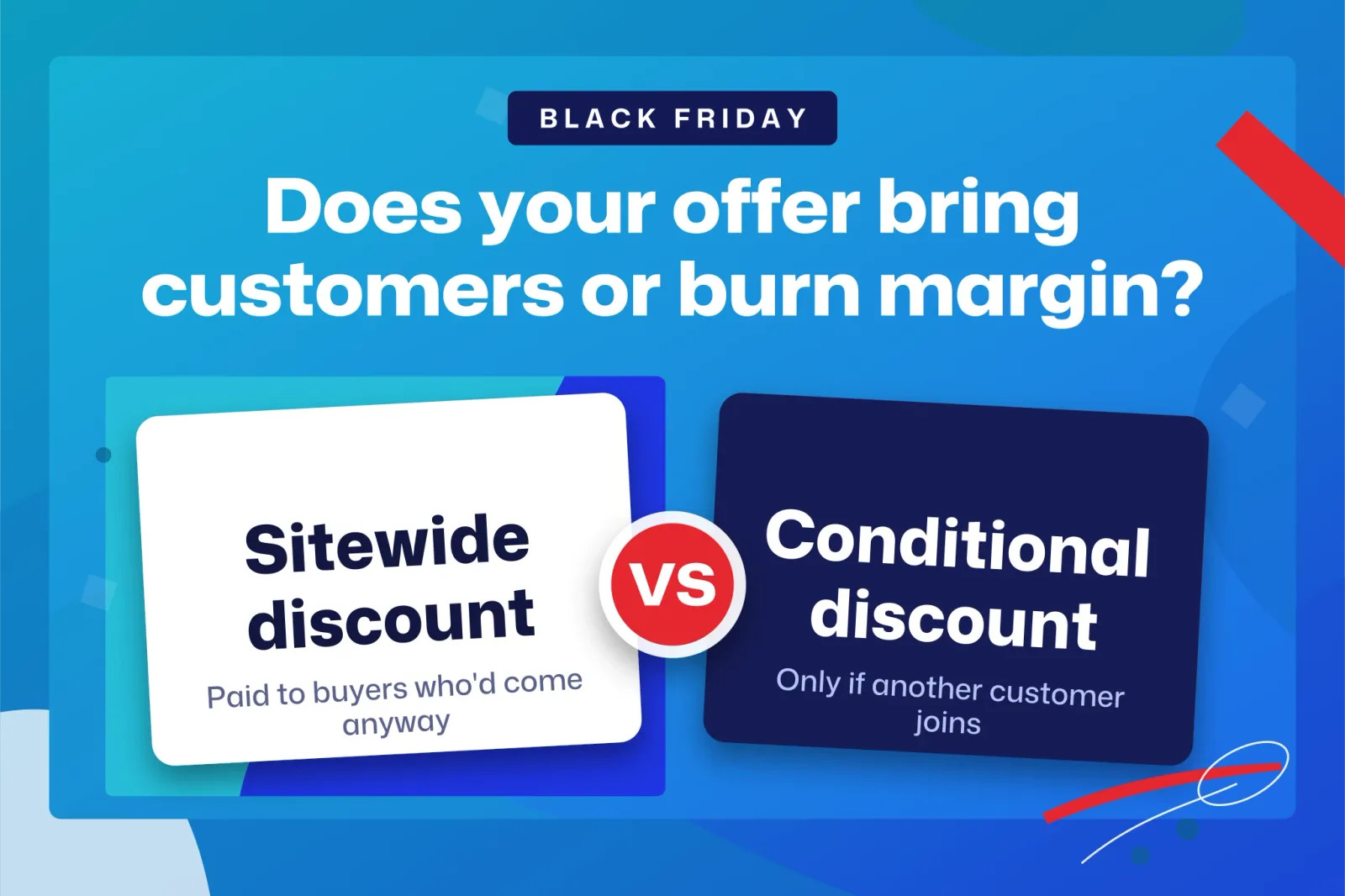
A sitewide discount raises your break-even ROAS on every sale, including the ones from customers who would have paid full price anyway. Those customers didn't need the markdown, and it costs you margin all the same. The alternative is to tie the discount to something you want, such as a new customer showing up.
That's how Tuko, our Shopify app, works, so keep in mind that we have a stake in this. Tuko adds a group buying button to the product page. The customer pays with the discount already applied in the store's normal checkout, shares their link (on WhatsApp, for instance) and has 24 hours, or 48 if the store chooses, for another person to join. The lower price only applies if someone else joins, so nobody gets it without bringing in another customer. The full mechanism is explained in what group buying is and how it differs from Groupon.
Example: the $50 product with a group discount
All figures in this section are invented. Take the $50 product with a 20% discount and assume each sale from ads costs you $10 in ad spend. With a sitewide discount, each order leaves $10 of margin and pays $10 of ads: zero profit, which is exactly what sitting at a ROAS of 4.0 means. If the discount only applies when the first buyer brings a second one through their link, and that second buyer arrives without an ad, the $10 of ad spend is shared across two orders and you have $20 of margin against $10 of spend.
The math only works if the second customer actually shows up. If the group doesn't fill, the order isn't shipped, and the customer chooses between keeping the missing units at the group price, moving to another open group for the same product or getting their money back. The sensible place to try it first is with products people already tend to recommend to friends.
Frequently asked questions
What's the difference between ROAS and ROI?
ROAS divides attributed sales by ad spend, as defined in the Amazon Ads guide. ROI, as the term is usually used, compares profit with investment, so costs are already subtracted. A campaign sitting exactly at its break-even ROAS has an ROI of zero.
Is a ROAS of 4 good?
It depends on your margin. For example, at a 25% contribution margin it's exactly break-even, at 50% it leaves a profit, and at a 40% margin with a 20% discount you're back to zero.
What to calculate before you launch your discounts
Before you touch your campaigns, work out three numbers: your contribution margin per product, your break-even ROAS without a discount (1 ÷ margin) and your break-even with the discount you plan to run, (1 − d) ÷ (m − d). If the ROAS your campaigns deliver today falls below that third number, cut the discount, limit it to fewer products or make it available only to customers who bring someone else. For that last option you can install Tuko from the Shopify App Store: it takes about two minutes, you don't have to touch your theme or payment settings, and you don't need Shopify Plus.