Written with artificial intelligence by Tuko's editorial system, from the sources linked below. If you spot a mistake, write to joan@tukoteam.com.
How to optimize your store's conversion rate and margin, with the math on every discount
Ecommerce conversion rate and margin optimization means getting more orders, or bigger ones, without each extra sale leaving less profit than a sale leaves today. You work with four levers (conversion, average order value, checkout recovery and discounts) and one calculation that should come before touching any of them. With a contribution margin m and a discount d, both as a percentage of price, you need to sell d/(m−d) more just to stay where you are. At a 40% margin, for example, a 20% discount means doubling your sales.
Order matters. Margin comes first, because no other calculation works without it. After that come what each discount really costs, how Shopify combines them, and how all of it applies to average order value and abandoned checkouts. If your question is about advertising, the same logic applied to ads is in how to calculate break-even ROAS and how much each discount raises it.
Which levers raise ecommerce sales without losing margin?
There are four, and each one leaks margin at a different point. Conversion rate is the share of visits that end in a purchase. Shopify calculates it as sessions that completed checkout divided by total sessions, according to Shopify's help page on analytics fields. Average order value is what each order pays on average.
| Lever | What it moves | Where margin leaks |
|---|---|---|
| Conversion rate | More sessions end in an order | If you raise it with discounts, people who were going to buy anyway get the discount too |
| Average order value | More money per order | Free shipping and gifts that cost more than the customer adds |
| Checkout recovery | Orders you were about to lose | A discount in the email for someone who would have come back anyway |
| Discounts | A lower price to close the sale | Every point comes out of margin, and the extra sales you need grow very fast |
All four depend on the same number: how much each order leaves you. That is why you start with margin.
Which margin should you use for these calculations?
Use contribution margin: what remains of each sale after subtracting everything that exists only because the sale happened. That means product cost, shipping you pay, the payment gateway fee and the average cost of returns. If you use gross margin (price minus product cost), every calculation in this guide will come out too optimistic.
Work with prices before tax. You collect sales tax or VAT but it is not yours, and if you leave it inside the price your margin looks higher than it is.
All figures in this section are invented. A product sells for $100 before tax and costs $60, so gross margin is $40, or 40%. Each order also costs $7 in shipping, $3 in gateway fees and, on average, $5 in returns.
| Item | Amount |
|---|---|
| Price before tax | $100 |
| Product cost | −$60 |
| Gross margin | $40 (40%) |
| Shipping you pay | −$7 |
| Gateway fee | −$3 |
| Returns (average per order) | −$5 |
| Contribution margin | $25 (25%) |
The difference changes decisions. With a 10% discount, the formula in the next section asks for 33% more sales if you start from gross margin and 67% more if you start from contribution margin. With 20%, gross margin says doubling is enough, while contribution margin says you need five times the sales. If your gateway charges a percentage, the fee shrinks a little when the price drops, but the effect is small and we leave it out here.
How many extra sales do you need for a discount to pay off?
You need to sell d/(m−d) more than you did without the discount, where m is your contribution margin and d the discount, both as a percentage of price. The reasoning fits in one line. Before, you earned m per unit. With the discount you earn m−d, so for every unit you used to sell you now need m/(m−d).
All figures in this section are invented. Price $100, cost $60, margin 40%. To keep the table easy to read I use gross margin; with your contribution margin the result will be worse. You were selling 100 units, which left you $4,000.
| Discount | Price | Margin per unit | Extra sales needed | Units to earn $4,000 |
|---|---|---|---|---|
| 10% | $90 | $30 | +33% | 134 |
| 15% | $85 | $25 | +60% | 160 |
| 20% | $80 | $20 | +100% | 200 |
| 30% | $70 | $10 | +300% | 400 |
This is arithmetic and makes no forecast about your market. What the table shows is that each point of discount costs more than the one before it. Going from 10% to 20% doubles the discount and triples the extra sales you need. As the discount approaches the margin the math blows up, and when d equals m no volume can make up for it.
The reverse question, how much discount you can afford, comes from the same formula. If you expect a promotion to lift sales by u%, the maximum discount is m × u / (1 + u). With a 40% margin and an expected 20% lift, the ceiling is 6.7% (0.40 × 0.20 / 1.20). Anything above that comes out of your pocket.
If you are planning a specific campaign, how much discount to offer on Black Friday without losing margin runs this same calculation with ad costs and cannibalization included. It works as a template for any sale during the year.
What happens when the discount goes to people who would have bought anyway?
You pay for the discount on the new sales and on the ones you already had. If B is the number of customers who would have bought without a discount and N the number who arrive because of it, the promotion only pays off when N/B ≥ d/(m−d). It is the formula from the previous section with a tougher condition: the sales lift has to come from new customers.
The derivation is short. Without a discount you earn B × m. With it you earn (B + N) × (m − d). Require the second to be at least equal to the first, solve, and you get N/B ≥ d/(m−d).
All figures in this section are invented. In a normal week 200 customers buy from you at a 40% margin. You launch a 20% store-wide discount. To earn the same you need 200 new customers who would not have bought otherwise: doubling the week's customer base with people who show up for the price. With a 10% discount, 67 would be enough.
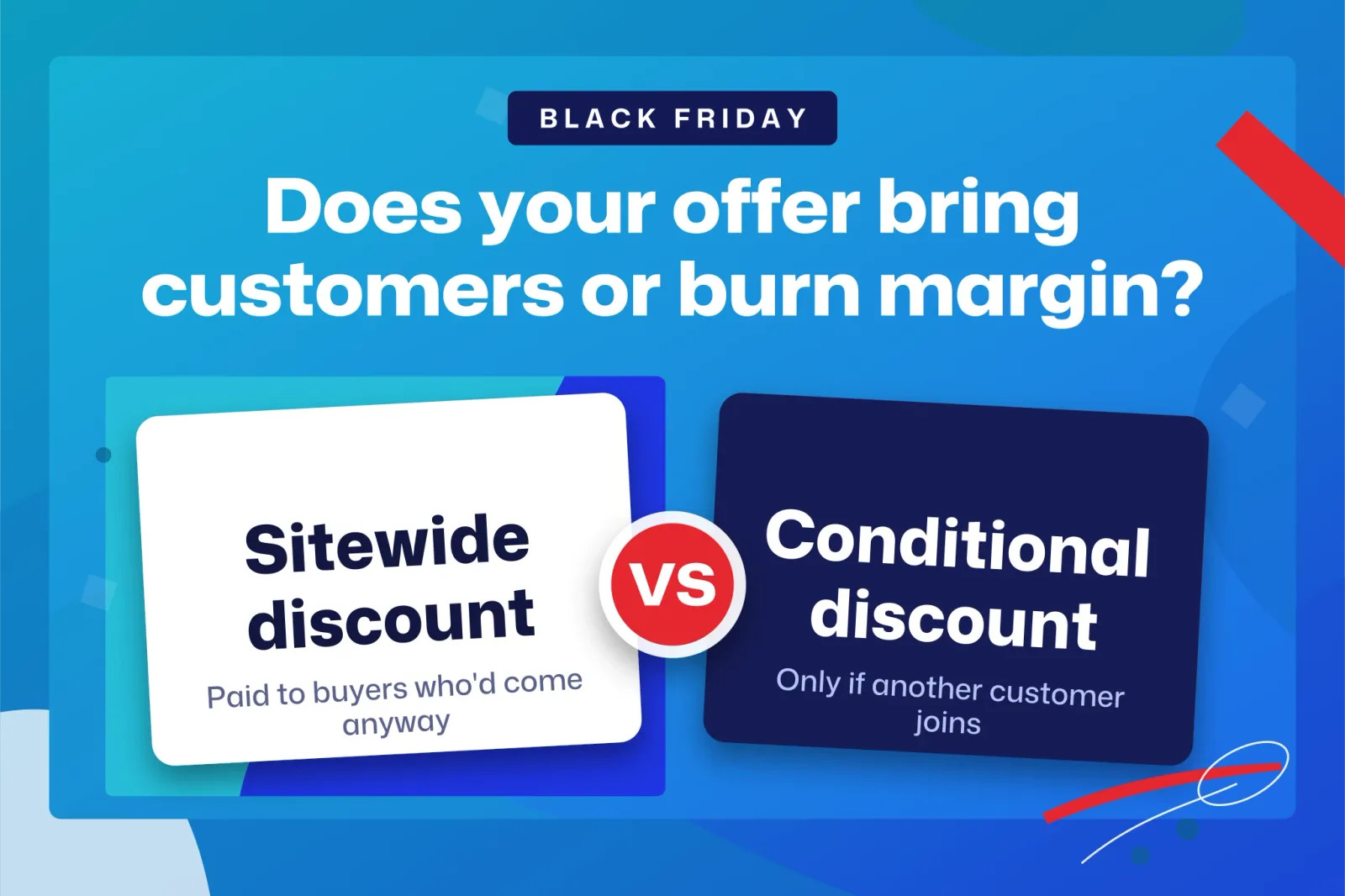
That math explains why a code open to everyone is the most expensive way to discount: B is huge and you do not control it. Promotions that shrink B hold up better, such as a discount for people who have never bought, or one that asks for something a loyal customer would not do on their own. Which Black Friday discounts bring in new customers and which ones just give away margin goes through the discount types one by one with this criterion.
Discounts that only activate when another customer arrives
This is where Tuko comes in, and we should be upfront: it is our app, so we are an interested party. Tuko adds a group-buy button to the product page of a Shopify store. The customer pays with the discount already applied in the store's normal checkout and has 24 hours (or 48, if the store chooses) for another person to join, usually through the link they share on WhatsApp. If the group does not fill, the customer chooses between keeping the missing units at the group price, moving to another open group for the same product, or getting their money back. The order does not ship until the group is complete.
In terms of the formula, the low price never reaches a customer in B on its own, because nobody gets it without bringing in another customer. The formula still applies. If the friend who joins would also have bought alone, that discount is cannibalization all the same, and d/(m−d) still tells you how much group discount you can afford. What changes is that every discount you grant arrives paired with one more order. The mechanism, and how it differs from a coupon portal, is in what group buying is and how it differs from Groupon. To compare it with a classic referral program, read how referral marketing works in ecommerce and how much you can pay per customer without losing margin.
How do two discounts stack in Shopify, and what is the real discount?
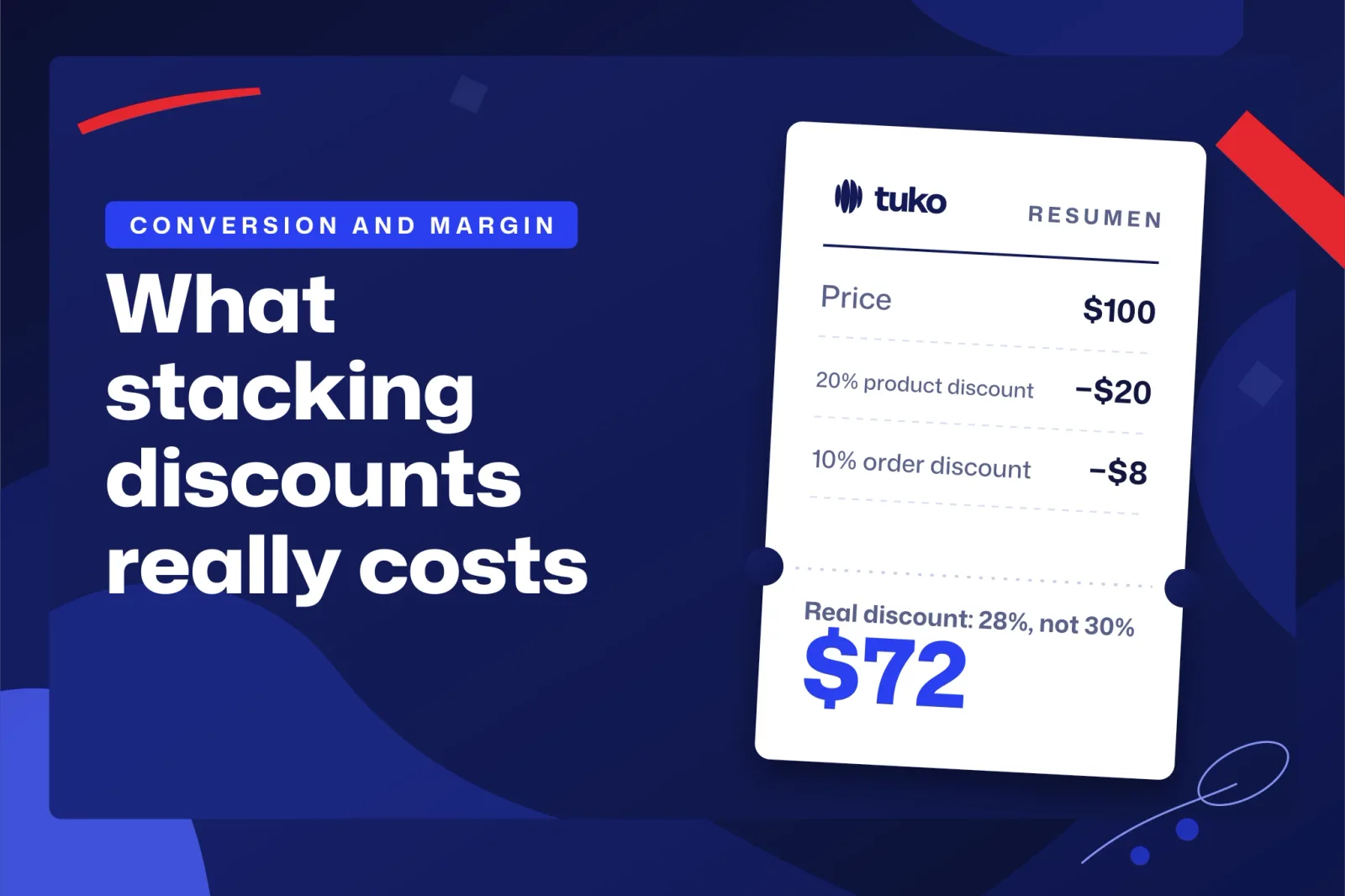
When you combine a product discount with an order discount they stack in a cascade. Shopify applies the product discount to each item first and then the order discount on the already reduced subtotal, according to Shopify's help page on discount combinations. For example, a 20% product discount plus a 10% order discount gives an effective 28%, below the 30% you might expect from adding them.
All figures in this section are invented. Same product as before: $100 price, $60 cost, $40 margin.
| Step | Amount | Result |
|---|---|---|
| Price | $100 | |
| 20% product discount | −$20 | $80 |
| 10% order discount on $80 | −$8 | $72 |
| Effective discount | $28 of $100 | 28% |
| Remaining margin | $72 − $60 | $12 |
| Extra sales needed | 40 / 12 − 1 | +233% |
With this product-plus-order combination, the real discount lands a bit below the sum of the percentages. A flat 30% would leave you $10 and require 300% more sales. Even so, with $12 of margin you have to sell more than three times as much to earn the same. That is the danger of letting two promotions coexist without calculating them together, because each one looks reasonable on its own.
The same Shopify help page on combinations sets several limits. An order can use at most 5 product or order discount codes and 1 shipping code. You can have at most 25 active automatic discounts. And combining several product discounts on the same line item requires the Shopify Plus plan. Our reading of that last point: outside Plus, the usual stacking on a single item will be one product discount with one order discount, like the one in the table.
Choosing between a code and an automatic discount also affects margin. Shopify warns in its help page on discount codes that forgotten codes might lead to cart abandonment. An automatic discount avoids that, but it applies to everyone who meets the condition, and that raises B. The logical approach is to use automatic discounts when the condition already filters (a minimum purchase, a specific product) and codes when you want only the person who received the discount to have it.
If you use an app that changes prices, for example to sell bundles, automatic discounts are calculated after the app changes the prices, according to Shopify's help page on automatic discounts. A discounted bundle plus an automatic discount is another cascade, and you calculate it the same way as the table above.
How do you raise average order value without giving away margin?
Set each threshold (free shipping, a gift, a discounted second item) from the margin on what the customer adds, not by eye. The rule: what the customer adds to reach the threshold, multiplied by your margin, has to cover what the incentive costs you.
All figures in this section are invented. Your average order is $50, your margin 40%, and shipping, which you used to charge for and would now give away, costs you $6. If you offer free shipping from $60, a customer who goes from $50 to $60 adds $10 of sales, which leaves you $4, and you stop collecting $6 of shipping: you lose $2 on that order. For it to break even, the added amount has to be at least 6 / 0.40 = $15, so the minimum threshold is $65. And anyone who already ordered above $65 gets free shipping without changing anything. That is the B problem from the cannibalization section under another name.
Shopify's Buy X get Y discounts have a setup detail worth knowing, according to Shopify's help page on Buy X get Y. The free or discounted item is never added to the cart automatically, so the customer has to add it, and it helps to explain that on the product page.
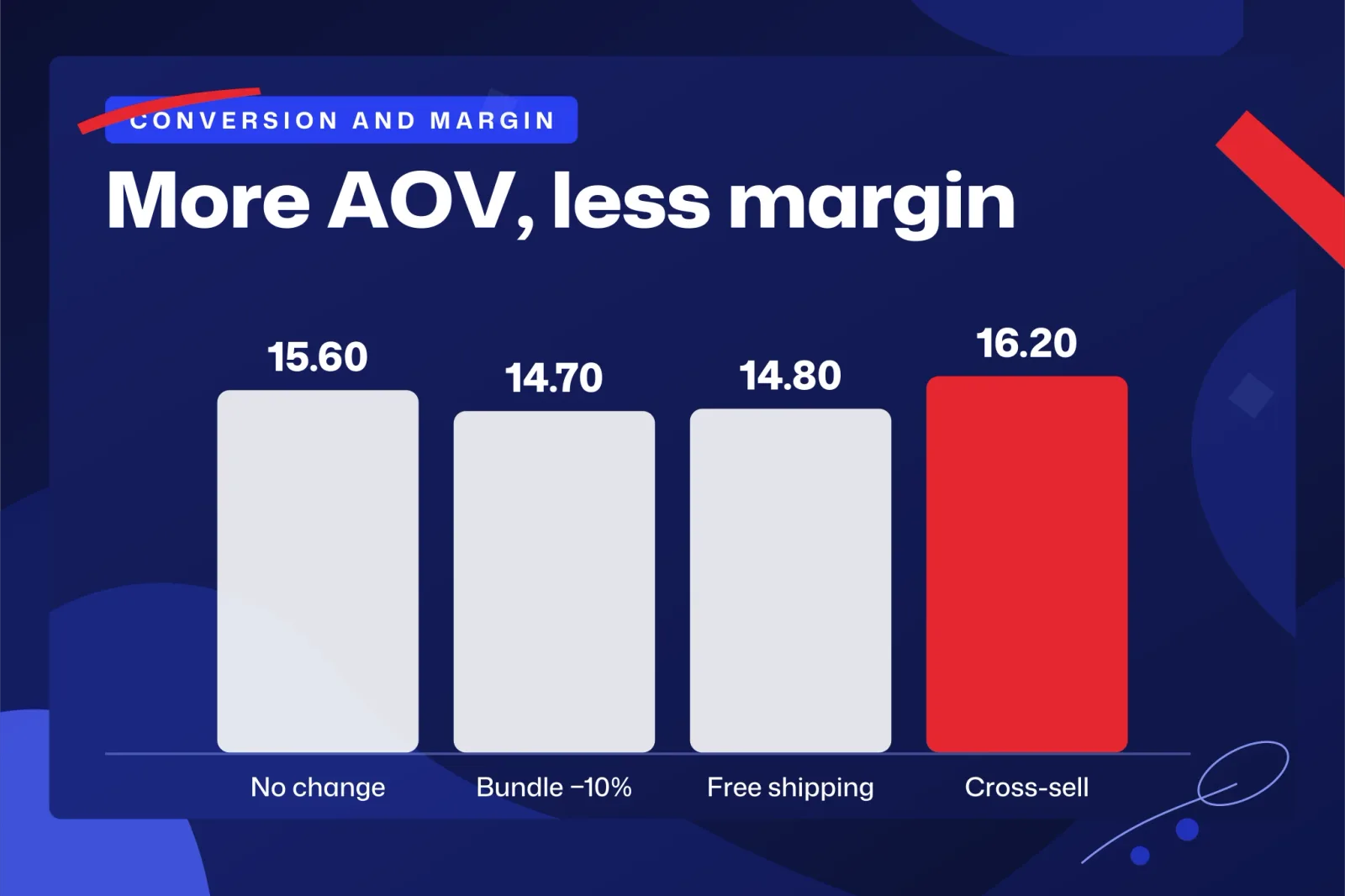
Bundles, free shipping and cross-selling, each with its own calculation, are covered in how to increase average order value in ecommerce with bundles, free shipping and cross-sell, without losing margin. It is the next read if your average order is close to a threshold you want to move.
How do you recover abandoned checkouts on Shopify?
Shopify can only recover what it records as an abandoned checkout: one that stays incomplete for more than ten minutes after the customer has provided their email, according to Shopify's help page on abandoned checkouts. From that definition it follows that someone who adds products to the cart and leaves without typing an email does not appear in the list. That is why it helps to separate the abandoned cart (any cart that does not end in a purchase) from the abandoned checkout (the one Shopify can contact).
That page, which describes the older system, adds two practical details. Items in the cart when the customer abandoned the checkout are not saved, and abandoned checkouts older than three months are automatically deleted from the admin. If you want to study them, review them before they disappear.
The old system and the new automation
Shopify has the older recovery email and a newer marketing automation. According to its migration guide, the old email stays available until it is retired, but activating the new automation is a permanent change. Before you do it, look at what that guide says about default behavior:
- The new automation is only sent to customers subscribed to email marketing. If you have few subscribers, that default send will reach fewer people.
- If you create a second abandoned checkout automation, its default wait is 10 hours before the email goes out, and it also goes only to subscribers.
- You can add a discount for the customer to use when they return to their checkout.
Should the recovery email include a discount?
Only if it passes the same cannibalization math, because some of the people who return would have done so without a discount. Shopify explains in its help page on discounts in recovery emails that the customer receives a pre-filled cart at the discounted price, and that if they had another code, the original is replaced by the recovery one.
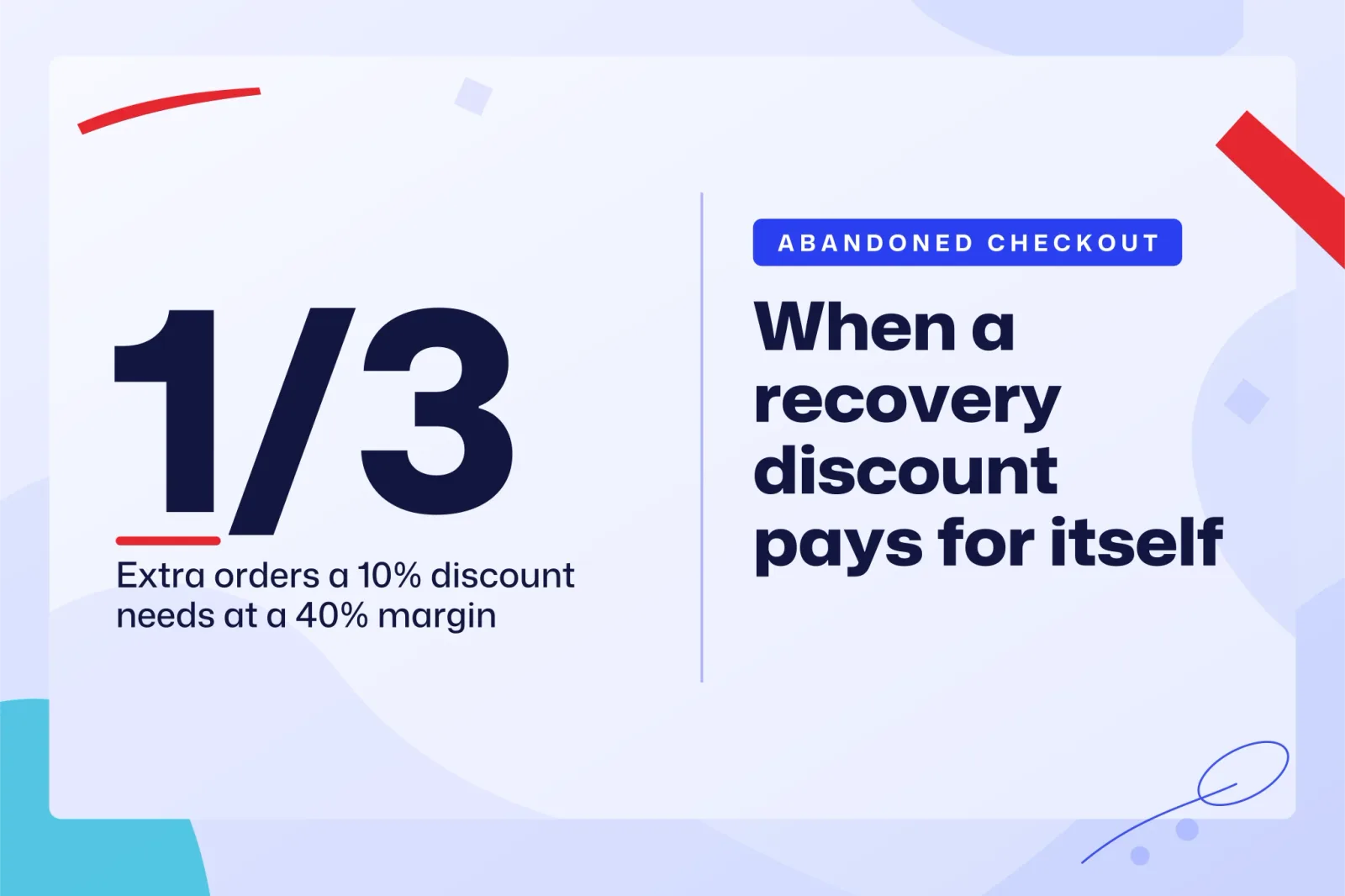
All figures in this section are invented. Carts of $100, a 40% margin and a 10% recovery discount. If without a discount you recovered 10 orders from each batch, with the discount those same 10 leave you $30 each instead of $40: you lose $100. To make up for it you need at least 10 × 10 / 30 = 3.3 more recoveries, so 14 recovered orders instead of 10. If the discount does not bring you those 4 extra orders, it is cheaper to leave it out.
The code replacement has another consequence. If the customer had arrived with a more generous code than the one in the email, they will see a higher price when they return. The logical rule is that the recovery discount should be no smaller than the ones you have in circulation, or that the email should go out without a discount.
The full setup, and the cases where the email discount costs you margin, are in how to recover abandoned checkouts on Shopify, and when the email discount costs you margin. Use it to build the flow, and the calculation above to decide whether it carries a discount.
How do you know whether a promotion brought new sales or gave away margin?
You have to look at how many discounted orders came from customers who would not have bought, and how much margin each order leaves after the discount. Gross sales answer neither question. Shopify's sales report is the starting point: according to Shopify's help page on the sales report, it can help you understand which discounts are converting into the most sales.
That report tells you how much was sold with each discount, but not how much would have come anyway. To estimate B, compare with a similar period without a promotion and check what share of the discounted orders came from customers who had already bought before. If almost all of them are returning customers, N is small, and the formula N/B ≥ d/(m−d) will quickly tell you whether you lost money.
Also watch net average order value, meaning the average amount per order after discounts and before tax. An average order that rises because you added a threshold can hide a margin per order that is falling. The comparison that works is contribution margin per order multiplied by the number of orders, before and during the promotion. If the total does not beat the one from before, the promotion moved volume and left you with less money.
When the discount is meant to attract new customers, compare it with what you would pay for them in ads. How much you can spend to acquire a customer without losing money runs that calculation from your margin.
An action plan to optimize conversion and margin, in order
- Calculate the contribution margin of your best-selling products, before tax and after subtracting shipping, gateway fees and returns.
- Before launching each discount, calculate d/(m−d) and decide whether selling that much more is realistic.
- Estimate B, the customers who would have bought anyway, and prioritize discounts that shrink it.
- Check which discounts can overlap on a single order and calculate the full cascade.
- Recalculate the free shipping threshold from the margin on what the customer adds to reach it.
- Set up checkout recovery and add a discount to the email only if it passes the cannibalization math.
- Measure each promotion by total margin, never by gross sales alone.
If at step 3 you find that your discounts mostly go to customers who were going to buy anyway, try a discount that only applies when another customer arrives. Tuko installs in about two minutes from the Shopify App Store, with no theme changes, no changes to your payment settings and no Shopify Plus. Pick a product with enough margin, run the group discount through the formula and check whether the new orders cover it. For more ways to get customers to bring customers, continue with word of mouth marketing strategy for ecommerce, with the cost of each new customer worked out.