Written with artificial intelligence by Tuko's editorial system, from the sources linked below. If you spot a mistake, write to joan@tukoteam.com.
How to recover abandoned checkouts on Shopify, and when the email discount costs you margin
For Shopify abandoned checkout recovery, the platform's built-in tool is an automatic email to anyone who started checkout and didn't finish the order. According to Shopify Messaging's email pricing page, abandoned checkout emails are always free and don't count towards the monthly limit. In the legacy experience, a checkout counts as abandoned if it stays incomplete for more than ten minutes after the customer gave their email, as defined in Shopify's help page on recovering abandoned checkouts. What usually goes wrong is the default setup, which only writes to subscribers, and the email discount, which many stores add without doing the math.
To work out whether that discount pays off, you need your margin per order. If you don't have it handy, start with how much you can spend to acquire a customer without losing money, worked out from your margin, then come back with the number.
What is the difference between an abandoned cart and an abandoned checkout on Shopify?
An abandoned cart belongs to someone who added products and never started checkout. An abandoned checkout belongs to someone who started paying and didn't complete the order. Shopify handles them with separate templates in its Shopify Messaging marketing automations, which also include a third one for abandoned browsing.
| Template | Who it targets, according to Shopify | What to keep in mind |
|---|---|---|
| Abandoned cart | Customers who add products to their cart but don't start the checkout process | Logically, it can only reach people the store can already identify |
| Abandoned checkout | Customers who start the checkout process but don't complete an order | Its emails are free and use none of your quota |
| Abandoned browse | By its name, people who look at products without reaching the cart | The furthest from a purchase |
The practical difference is the email address. Checkout is the step where the customer types their email, and the legacy definition counts abandonment from that moment. Someone who leaves a cart without giving an email is an anonymous visitor. It's reasonable to assume no template can write to them unless the store already knows them from a past purchase or signup.
If you only turn on one, make it the abandoned checkout automation. Those people got furthest, and the emails cost you nothing.
How do you turn on abandoned checkout recovery in Shopify?
Shopify has two versions running side by side. The legacy experience is the one described on its page on recovering abandoned checkouts, which says at the top that it applies to the legacy experience only. The other is a newer automation inside Shopify Messaging. Before you touch anything, note that Shopify's guide to moving to the new automation says activating it is a permanent change, so you can't go back to the legacy emails.
The steps, using the names from Shopify's own guide:
- Save what you have. If you customized the legacy template with copy or a discount, copy the text and note the settings first, because the switch can't be undone.
- Turn on the new automation. Follow the guide “Opt in to the new abandoned checkout automation”. Menu paths change between versions of the admin, so following the guide there is more reliable than memorizing clicks.
- Check the “To” field. By default the automation is only sent to customers subscribed to email marketing. You can change it to “All customers”, but read the next section before you do.
- Check the wait time. According to the same guide, the new automation defaults to a 10 hour wait before the email goes out, and you edit that wait with Shopify Flow.
- Decide the content and the discount. Leave the discount until you've done the math in the discount section below.
- Run a test. Start a checkout with an email of yours that is subscribed, don't finish it, and confirm the email arrives once the wait has passed.
The wait time is a judgment call. A long wait gives room to people who just went to find their card, and avoids writing to someone who was coming back anyway. A short one lands while the product is still fresh in their mind. There's no official data on which works better in your store, so the sensible move is to keep what you have for a month, measure, and then test another.
Why aren't Shopify abandoned checkout emails being sent?
The first place to look is the default recipient setting. According to the guide to the new automation, the abandoned checkout email is only sent to customers subscribed to email marketing. If few people tick the subscription box at your checkout, most abandoned checkouts will get nothing.
The same guide lists cases where the email isn't sent. The first is a customer who hasn't previously completed a purchase and hasn't subscribed to marketing. In practice, a new visitor who leaves their email without ticking the subscription box falls outside the default setup, and a new customer is exactly the one you most want back. Check the full list in the guide, because Shopify can extend it.
Should you switch to “All customers”?
The “All customers” option in the “To” field widens sending to every customer, subscribed or not, and it adds more recipients than any other change. The catch is that Shopify describes these automations as marketing messages, and sending commercial messages to people who haven't consented can conflict with the rules in your country, which differ from one place to another. Check with a professional before changing it.
Is it worth putting a discount in the abandoned checkout email?
It's worth it only if the extra orders the discount recovers pay for the discount you hand to people who would have come back anyway. An email with no discount already recovers some customers, and as soon as you add a price cut, all of them get it too.
The condition looks like this:
extra orders × (margin − discount) ≥ orders you already recovered × discount
Margin and discount use the same unit: dollars per order, or percentage of the price. The left side is what you earn from customers who return because of the discount. The right side is what you lose on those who would have bought without it. Solved for the unknown, the extra orders you need equal the orders you already recovered times discount / (margin − discount). The closer the discount gets to your margin, the faster that number climbs, and if it equals your margin, no volume can make up for it.
If you're still on the legacy template, one Shopify detail makes the math harder. In the method explained on Shopify's help page on automatically applying discounts to recovery emails, the code goes in the template's URL, so every recovery email ends up with the same code. The same page says that if the customer had entered another code when starting checkout, the original is replaced by the recovery code.
Any open discount carries this background cost, because the people who were going to buy anyway get it too. Tuko starts from that idea. It's an app that adds a group-buying button to the product page, and the lower price only applies if one more person joins, so nobody gets it without bringing in another customer. Tuko doesn't recover abandoned checkouts, which is a different problem. It fits if you want the discount to be earned by whoever brings someone along. The mechanism is explained in what group buying is and how it differs from Groupon.
Example: how many extra orders a discount needs to pay for itself
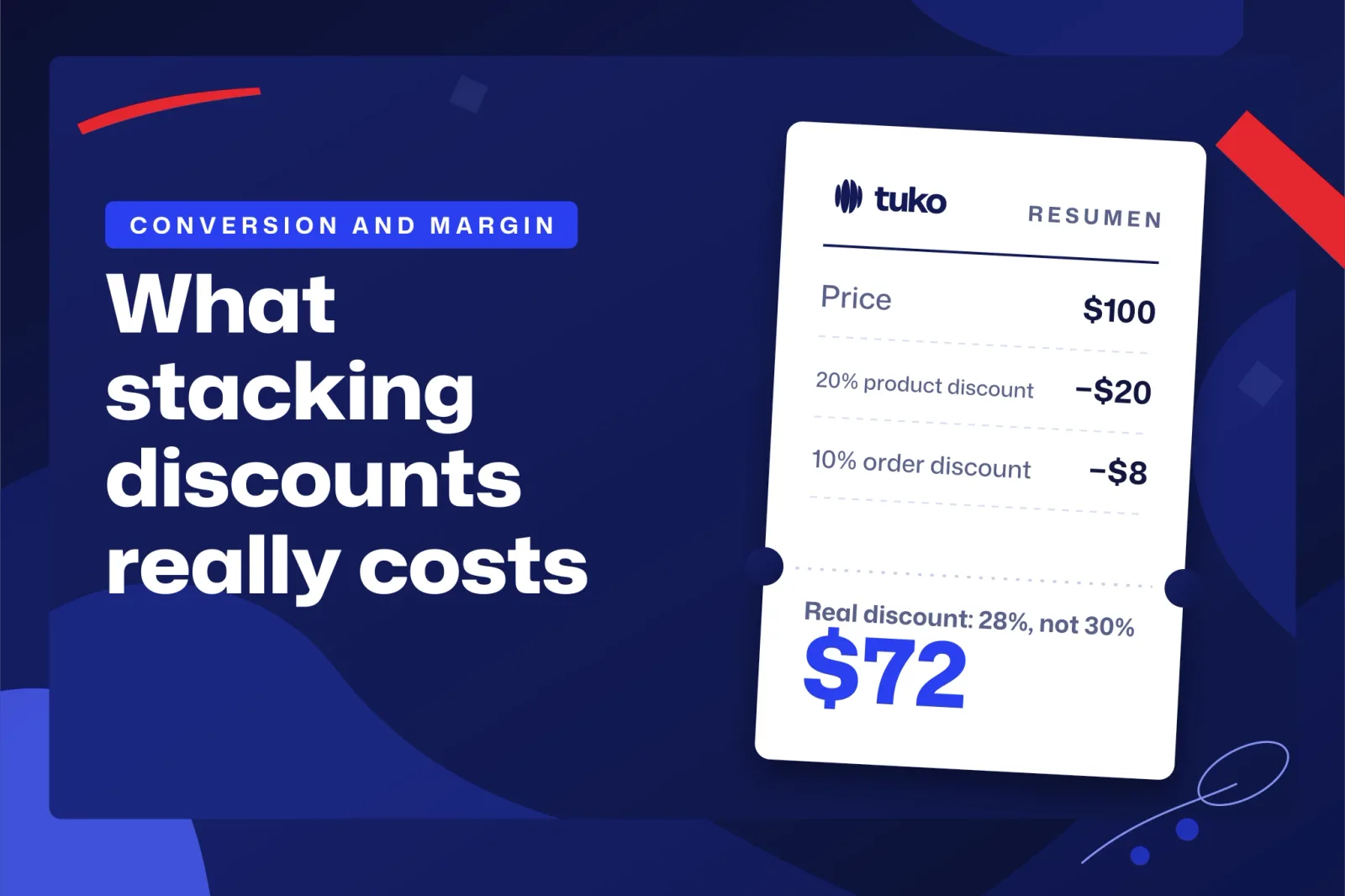
All figures in this section are invented, and kept round so you can redo the math with yours. A store has an average order of $100 before tax and a 40% margin, which is $40 per order before any discount. With no discount in the email it recovers 30 orders a month, which leave 30 × $40 = $1,200 of margin.
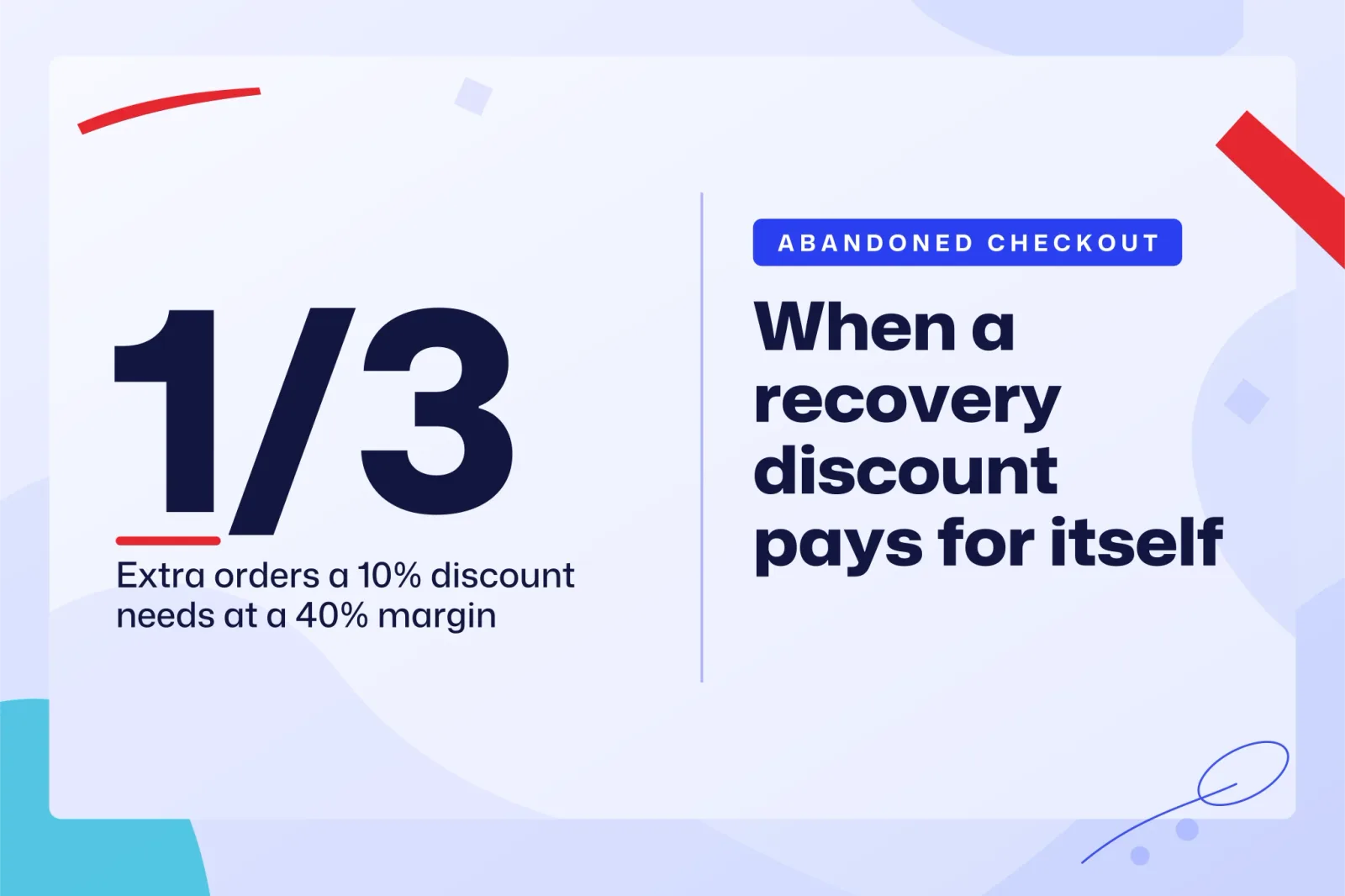
With a 10% discount, each recovered order leaves 40 − 10 = $30. To match the $1,200 it needs 1,200 / 30 = 40 orders, which is 10 more than without the discount. Those 10 are a third (1/3) of the 30 it already recovered, and the formula agrees: 30 × 10 / (40 − 10) = 10. If the discounted email doesn't bring in at least a third more recovered orders, the store earns less than before, even if the report shows more recovered sales.
| Discount in the email | Margin per order | Orders needed to match $1,200 | Extra orders | Extra over the base of 30 |
|---|---|---|---|---|
| No discount | $40 | 30 | 0 | 0% |
| 10% | $30 | 40 | 10 | 33% |
| 15% | $25 | 48 | 18 | 60% |
| 20% | $20 | 60 | 30 | 100% |
| 25% | $15 | 80 | 50 | 167% |
With a 20% discount and that margin, the email has to double recoveries just to break even. The table leaves out shipping, payment fees and returns, which come out of the same margin. If your real margin after those costs is lower, redo the table, because every point of margin you lose raises the extra orders you need. The same reasoning applied to advertising is in how to calculate break-even ROAS and how much each discount raises it.
What should you try before adding a discount to the email?
Before cutting the price, use up everything that doesn't cost margin. In this order:
- One month of email with no discount. This is your baseline. Without it you can't tell whether the discount brings extra orders or just marks down the ones you already had.
- More subscribers. If few people subscribe, review how you present the signup in your store and at checkout. Every extra subscriber is one more possible recovery email without touching the price.
- A different wait time. Use Flow to try a wait different from the current one, and compare similar months.
- A test purchase. Place one order from your phone and one from a computer with each payment method you offer. If a method fails, or shipping costs show up late and surprise people, the email discount covers the symptom and leaves the fault where it is.
- A small discount, measured. If you test one afterwards, start with the lowest that feels credible, run it for a comparable period, and compare the result with the table in the example.
What I wouldn't do is start with a big discount because everyone does. With the table in front of you, you can see how expensive it gets. If it also lands during a campaign like Black Friday, do the full math, which is in how much discount to offer on Black Friday without losing margin.
What should you measure, and what are the limits of the data?
Measure recovered margin per month alongside recovered sales, because margin is what tells you whether the discount pays off. A simple spreadsheet is enough: abandoned checkouts, recovered orders, discount applied, and the margin each order leaves.
Write the numbers down every month. According to Shopify's help page on abandoned checkouts, abandoned checkouts older than three months are automatically deleted from the admin, so to compare one quarter with another you need to keep the figures somewhere else.
Be wary of small differences. With few recovered orders a month, a gap of a couple of orders between two months can be chance. Don't compare a sale month with a quiet one either. And remember that someone who returns after the email might have returned without it, which is exactly why the month without a discount is the reference for everything else.
Frequently asked questions
How much do Shopify abandoned checkout emails cost?
Abandoned checkout emails in Shopify Messaging are always free and don't count towards the monthly limit, according to Shopify Messaging's email pricing page. For other sends, check that same page, because the terms can change.
Do I need an app to recover abandoned checkouts?
To start, no. The native automation covers abandoned checkouts at no cost. An app makes sense when you need something the native one doesn't do, and after you've checked which permissions it asks for, as explained in how to choose Shopify apps without overpaying or over-sharing data.
How long does Shopify keep abandoned checkouts?
Three months. After that they're automatically deleted from the admin, according to Shopify's help, so export or write down your figures beforehand if you want to compare periods.
Next steps
Turn on the abandoned checkout automation today with no discount, check who it's being sent to, and let it run for a month to get your baseline. With that number and your margin, the table in the example tells you how many extra orders each discount would need to bring before you test it. If you'd rather the lower price go only to customers who bring in someone else, you can install Tuko from the Shopify App Store. It takes about two minutes and there's no need to touch your theme.